The Aquarium
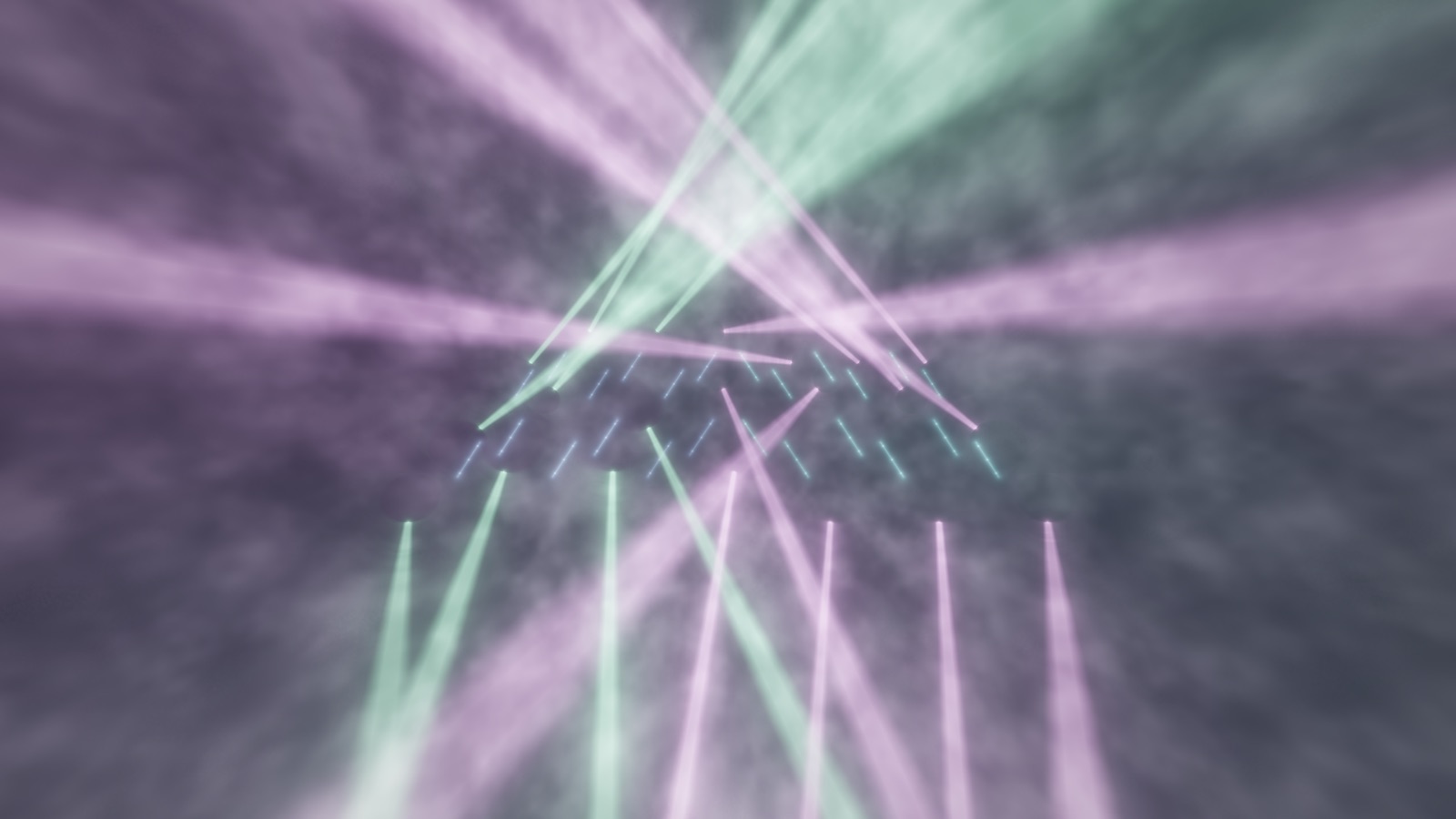
Front-arena flying trusses, volumetric beams crossing through haze.
Free beta, coming soon · get on the list
Free open beta, coming soon · built by a phan
Runs on your Mac. Turns whatever you're playing into a light show, the kind you'd actually want filling the room. The free beta's coming soon.
From me, to you
Hey, it's Jody.
For decades I've been geeking out over how astoundingly beautiful concert lighting can be, and I've always wanted to "drive" these incredible pieces of art. But aside from ditching my career and hitting the road as a lighting designer... that wasn't really an option.
So I started building one. A light rig that lives on your Mac and runs off whatever you've got playing. Took me quite a while to get this far, and after posting some clips online it turns out a few of you want to drive these rigs too.
The full-featured beta (coming soon) will be totally free, and while it's running, a lifetime Performer license is pay whatever you want. You can grab a lifetime Pro license too, just check the details below.
I appreciate your support, and can't wait to hear your feedback while we build this thing.
Jody
The rigs & looks
All hand-tuned, with more landing every build. Each one meant to look finished the moment you land on it.
Front-arena flying trusses, volumetric beams crossing through haze.
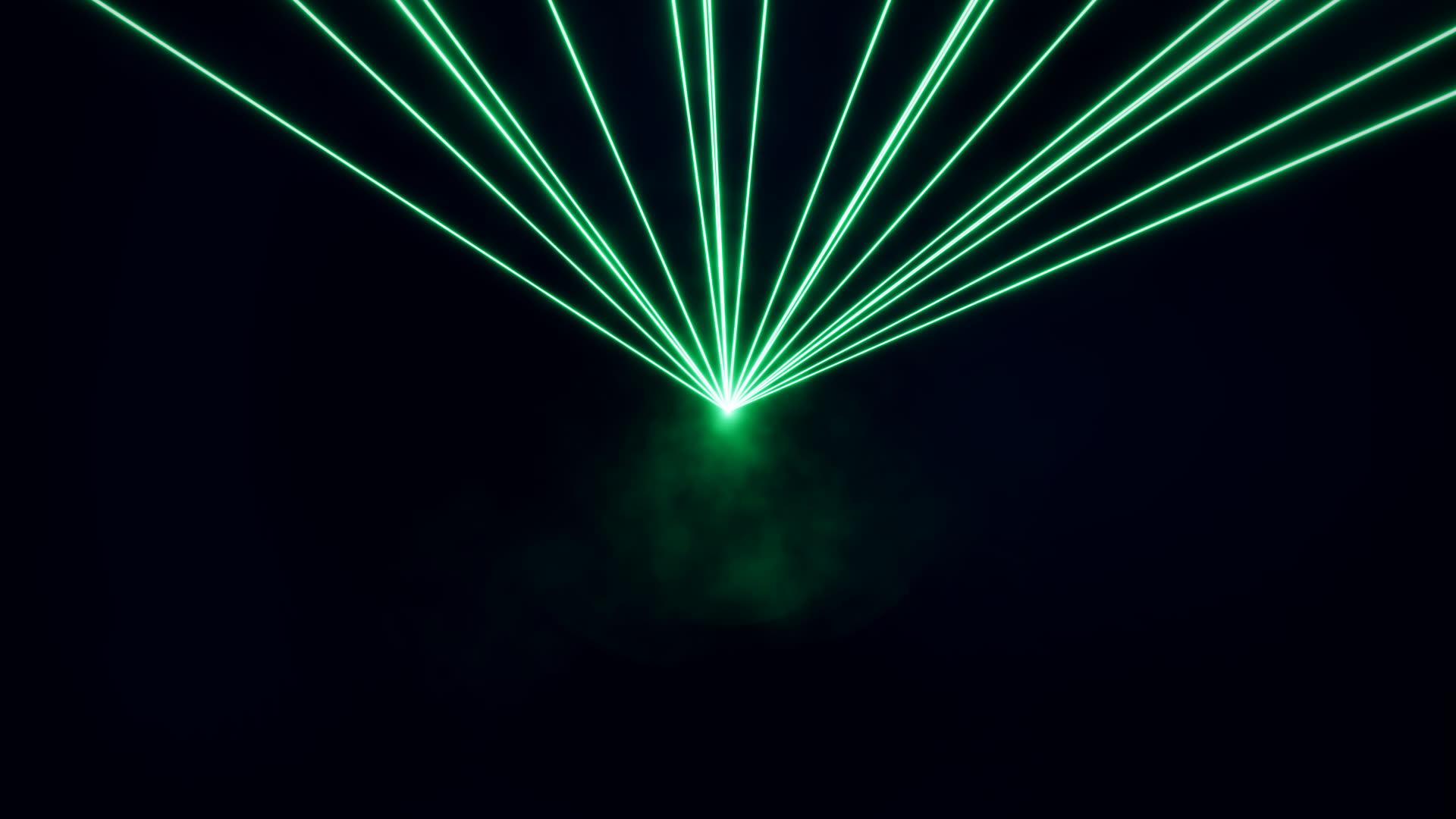
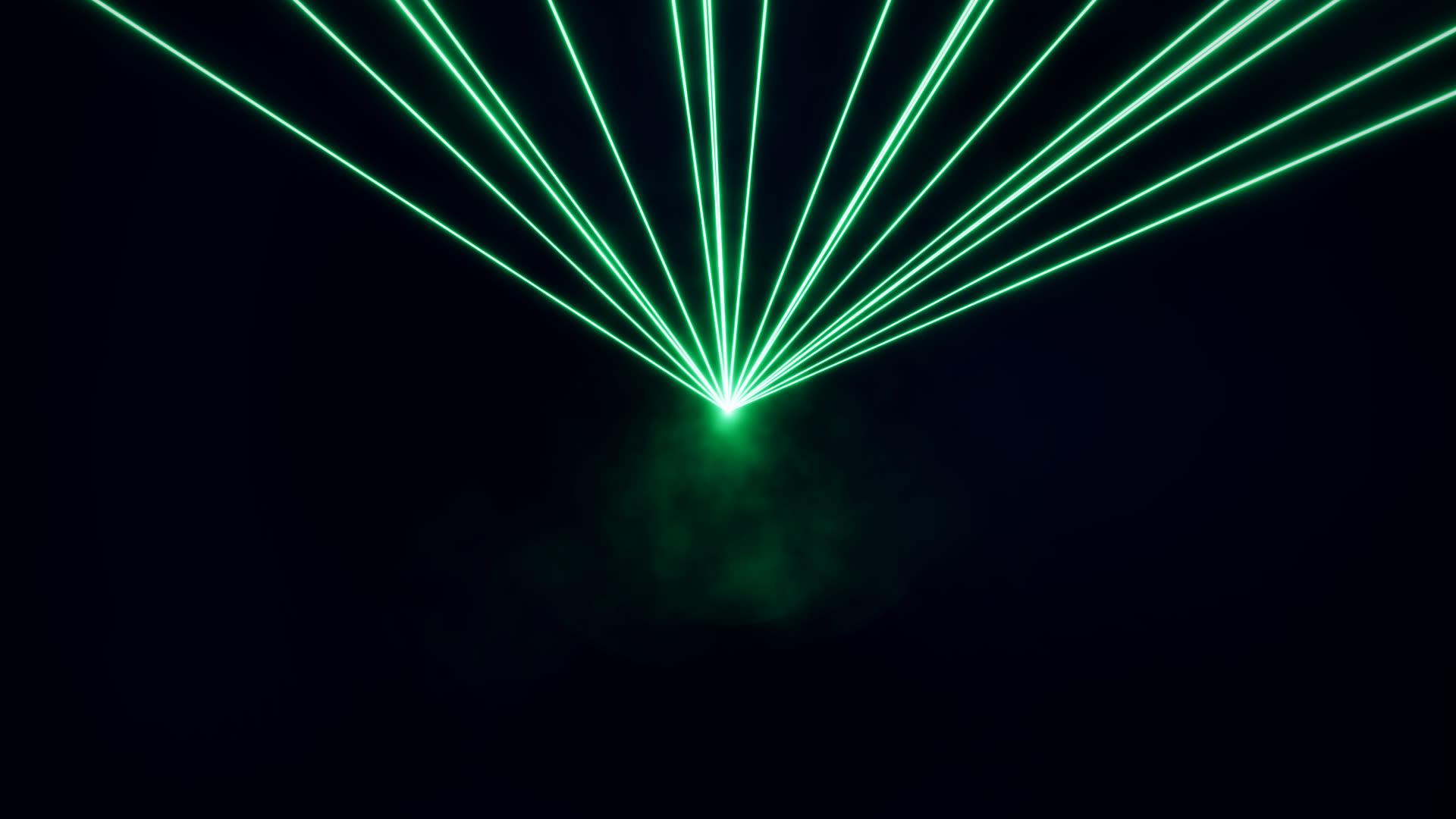
EDM aerial-beam lasers with the deepest catalog and its own show director.
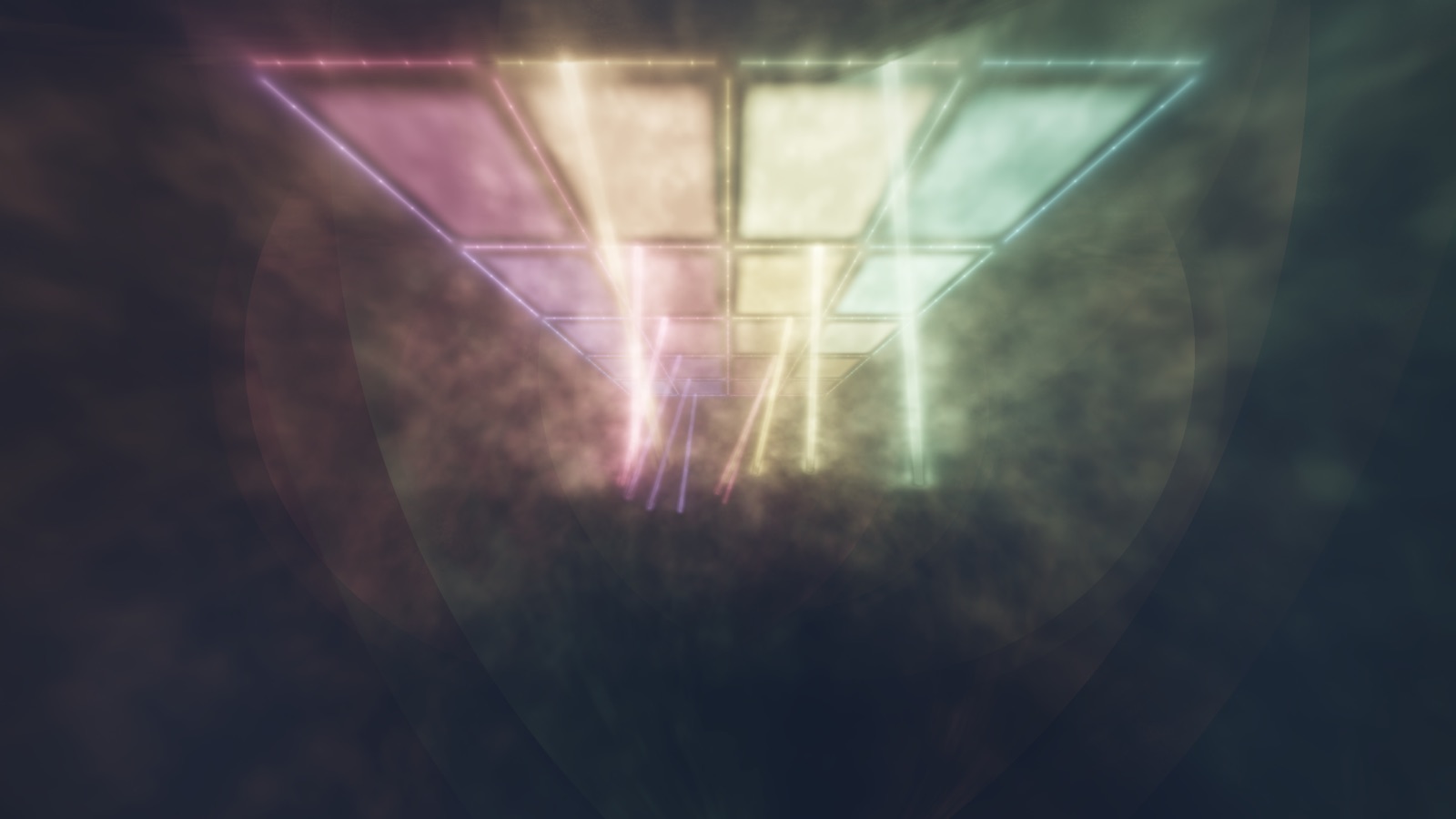
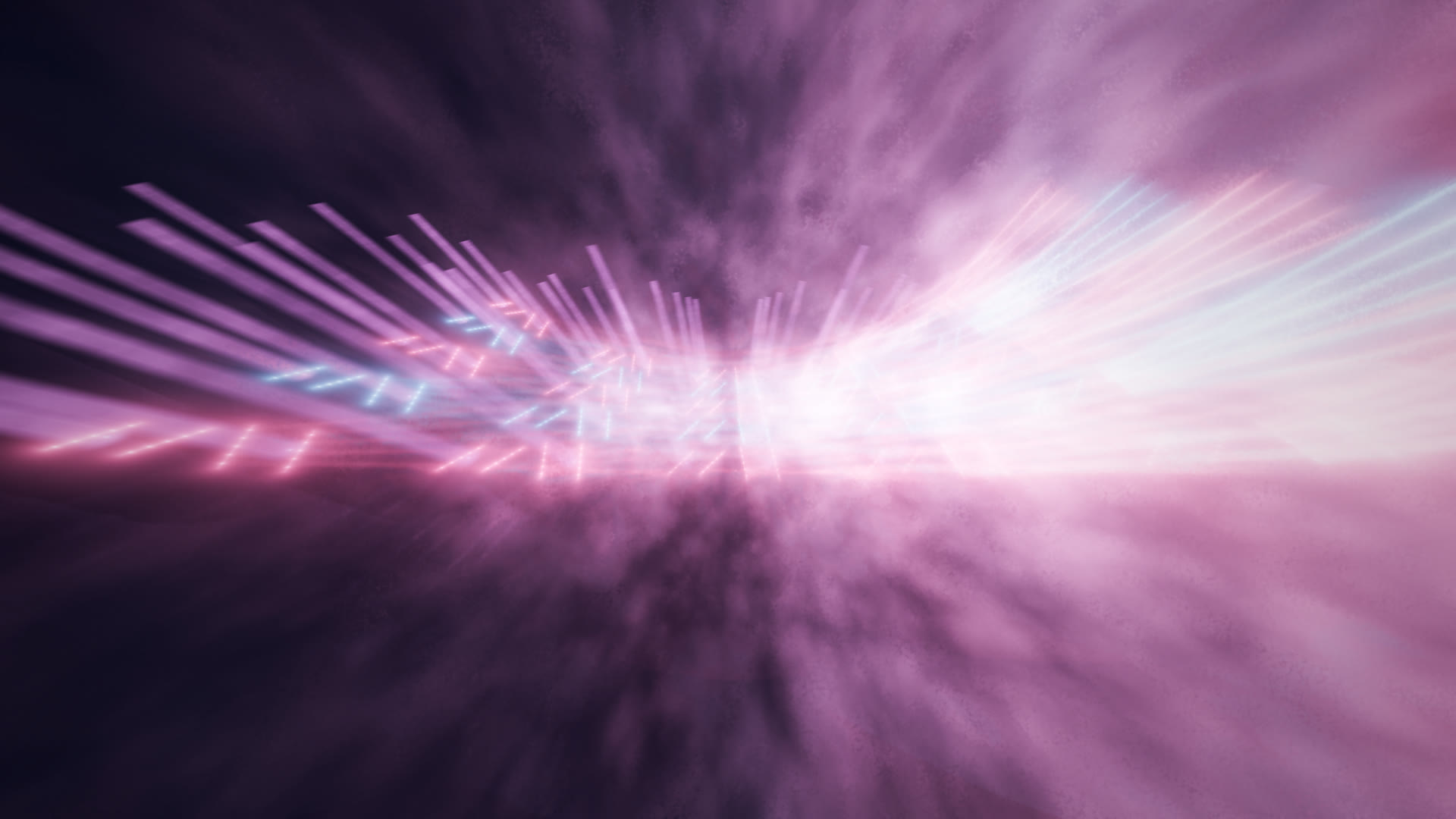
A receding corridor of trusses and glowing panels. Perspective you can feel.
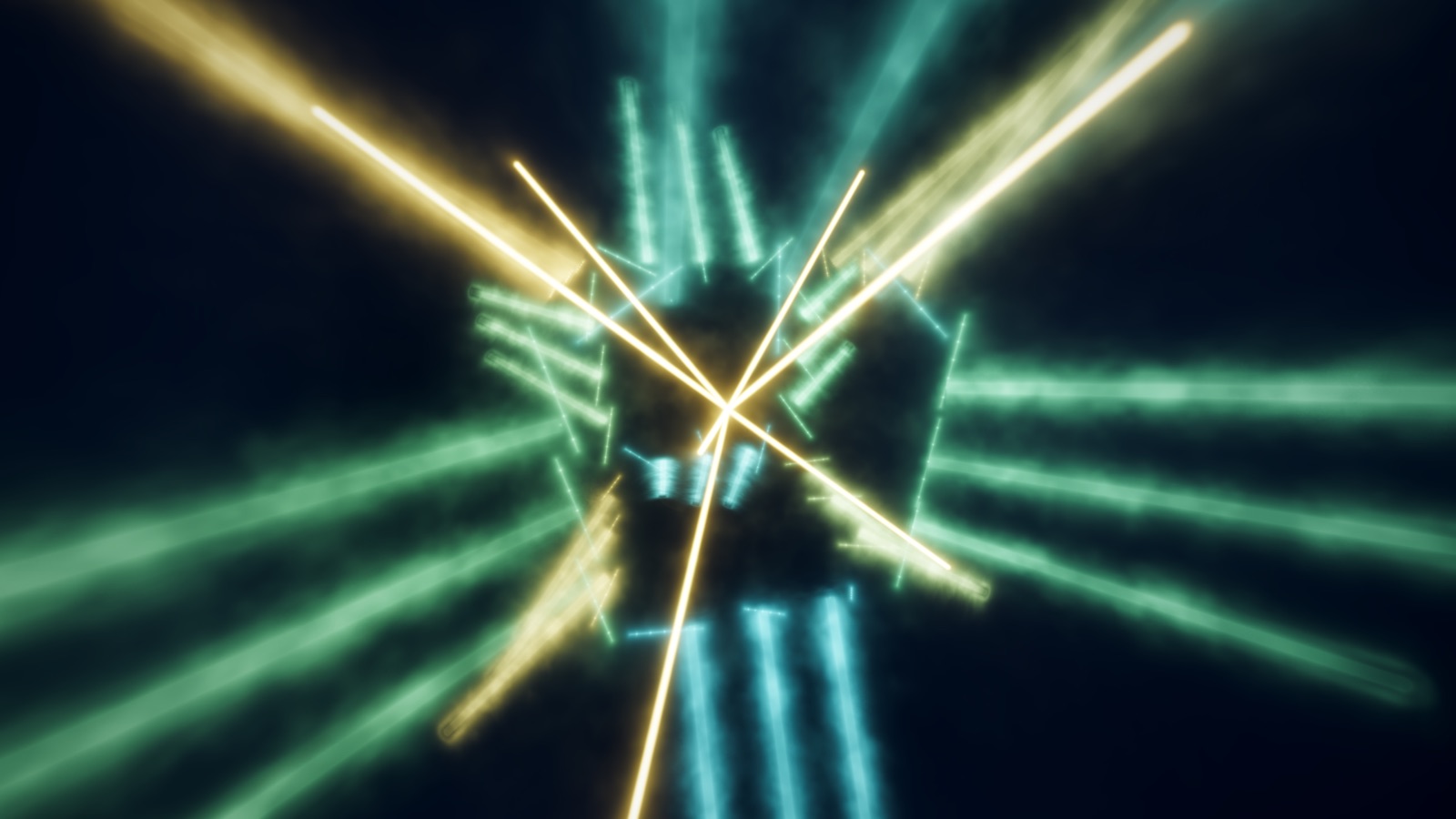
An open 12-edge truss cube spinning and breathing as one body.
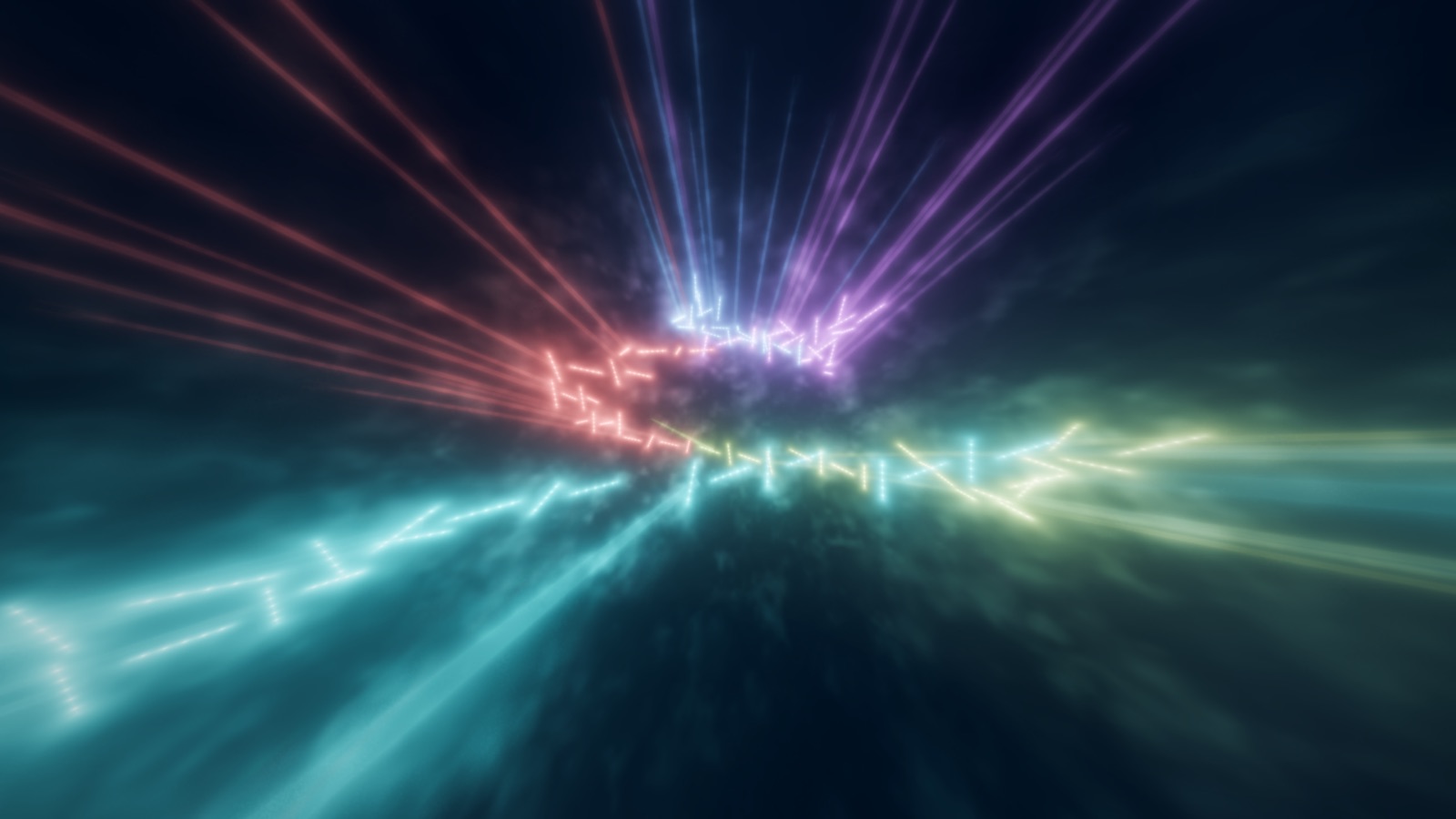
Flying battens through a fisheye dome, high-contrast beams on deep black. The one that stops the room.
See it move
Stills only get you so far. Hit play and watch a real stretch of it, nothing edited but the start and the end.
What it does
System audio in. Any source works, no files to import. Hit play and the rig comes alive.
It locks onto the beat and follows the song, so the big moments land where they should.
Flip on the Audio Director and Telaray watches the music and runs the rig itself, matching the energy and changing in time. Jump in whenever you want.
A launch board, trigger pads, faders, cue lists, and beat-matched Drop FX. Stuff you grab and play.
Party mode
Throwing something? Party Mode fills the screen, hides every control, and runs the whole show off whatever's playing. It builds, eases back, and slams the drops on its own. Flick the mouse and a little bar slides up to change the vibe. That's the whole interface.
Take the controls
Party Mode runs the show for you. When you want more, Performer hands you the whole instrument. Reshape any look until it's yours, then play the rig live.
The Designer
Pull a look apart and rebuild it. Swap the palette, reshape the geometry, change how it moves, set how thick the haze hangs. Land on something you love and save it. Now it's yours.
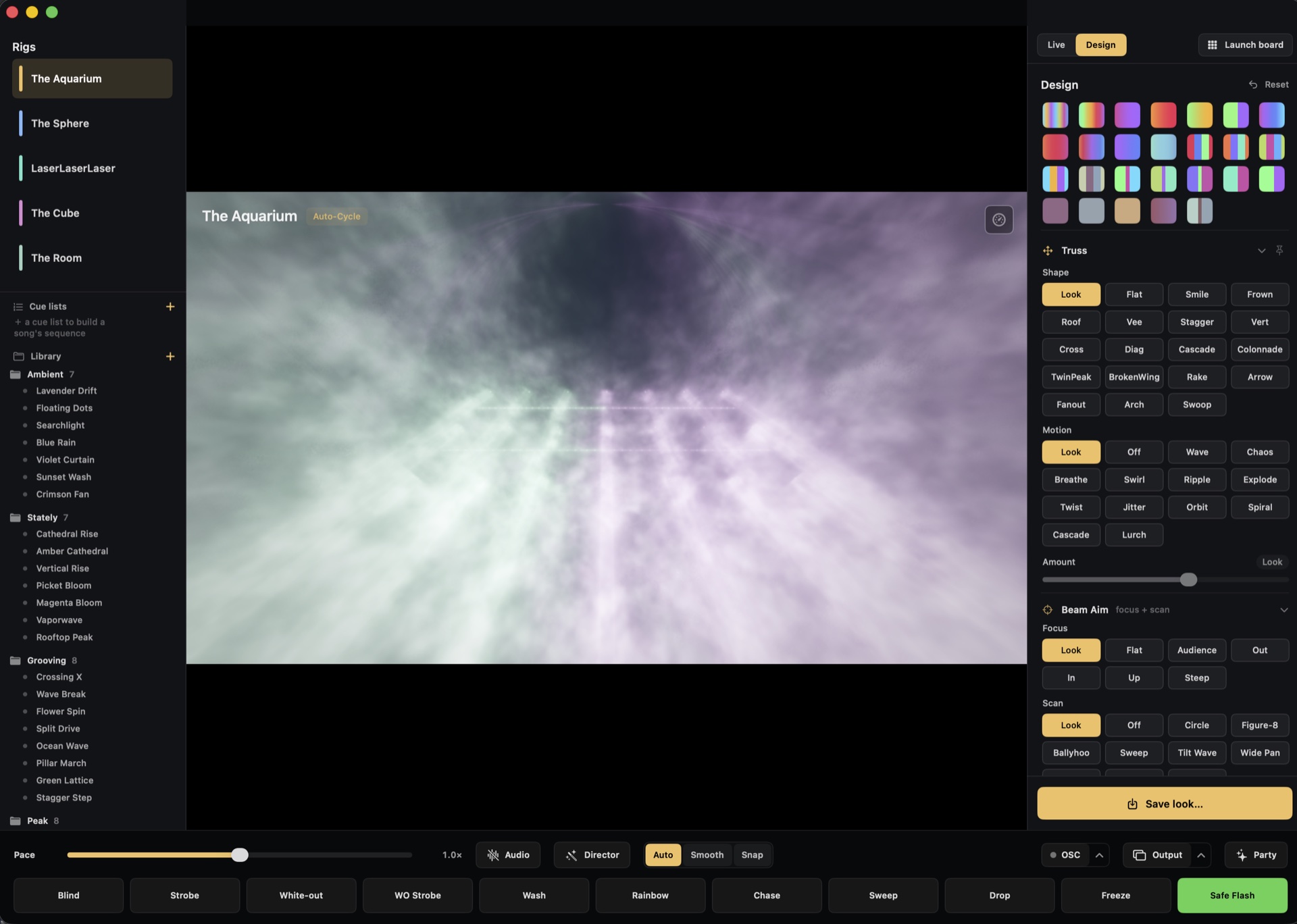
The live board
Every look on a pad, grouped from intro to drop, with ride faders, cue lists, and beat-matched Drop FX. Lay your set out ahead of time, then ride it live while the track plays. Build it, hold it, slam the drop on your cue.
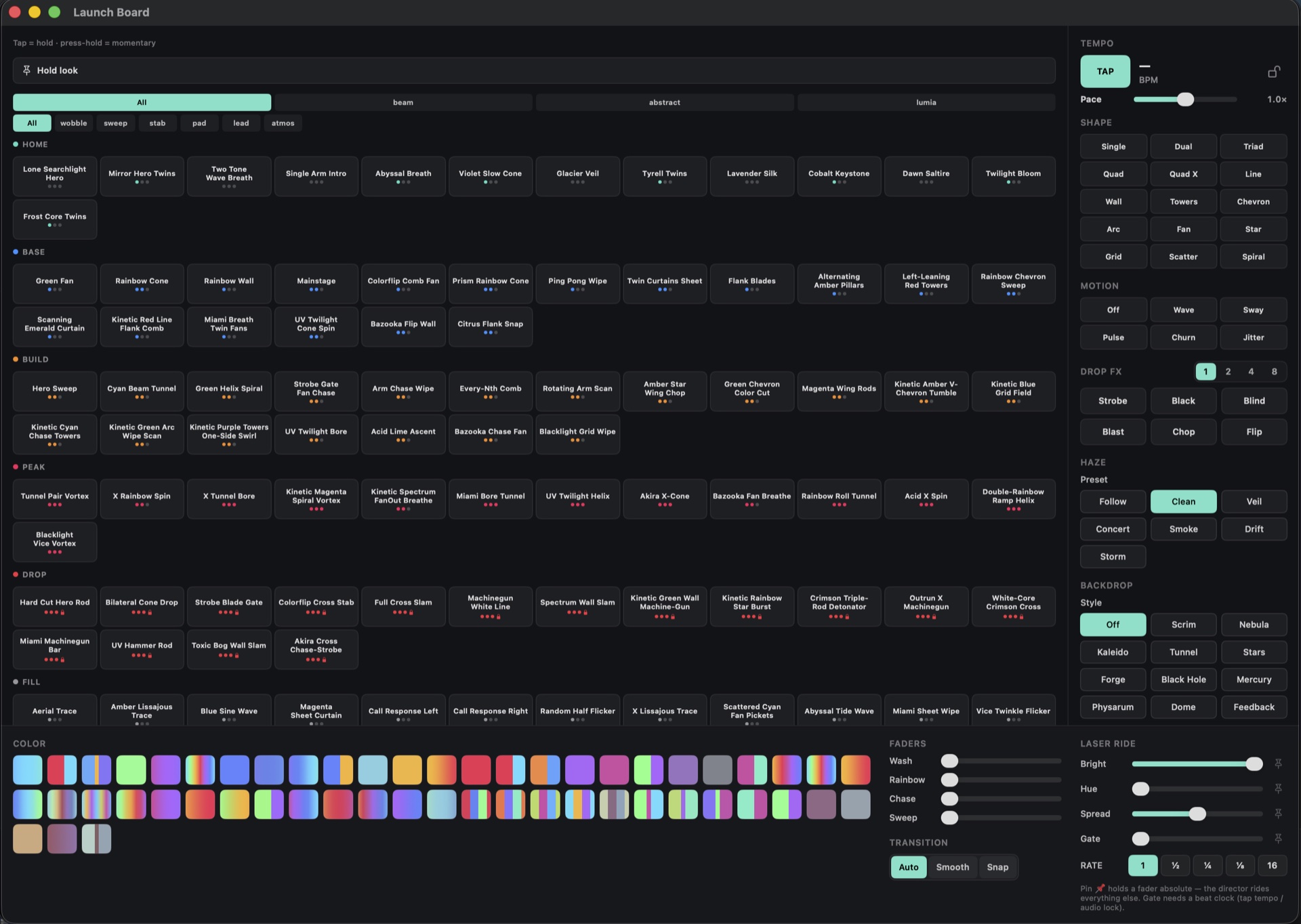
All of this is the Performer tier.
Getting in
When the beta opens, the whole thing's unlocked. Free, every feature, for everyone.
When it ships there's still a free version, always. Performer and Pro become paid then. Found a tier and you keep it when that day comes, at the lowest price it'll ever be.
pay what you can
Mostly, this is you backing the build. Name what it's worth to help get Telaray to 1.0.
pledge more if you want
Founding opens with the beta and closes at 1.0. Get on the list and you'll be first to know.
Founding is pre-buying a license for what already works. Your update window starts at launch, not during the beta. If the paid version never ships, you get a refund. The full terms.
The tiers
Free to play, always. Step up when you want to perform it, and again when you want to take it off the laptop and onto a wall.
Play the light.
Perform and shape the show.
Everything in Free, plus:
Take it off the laptop.
Everything in Performer, plus:
Bigger Pro features (Syphon/NDI video-out, physical-rig sync) are on the roadmap, built if enough people vote them up. Never a promise.
Get on the listOnce the beta opens it's all unlocked and free, every tier. These are how it works at 1.0. Found Performer or Pro and you keep it at the lowest price it'll ever be. Final pricing lands at launch.
The Discord
Most of this is happening out in the open. New builds land in the Discord first, and it's where bugs get sorted and where you say what should get made next. If you saw the clips on r/phish, this is where the rest of it lives.
If you want to push it further
For when you want it bigger than your laptop screen, at a party or a small venue. Here's what works today, and a couple of things that might happen if enough people want them.
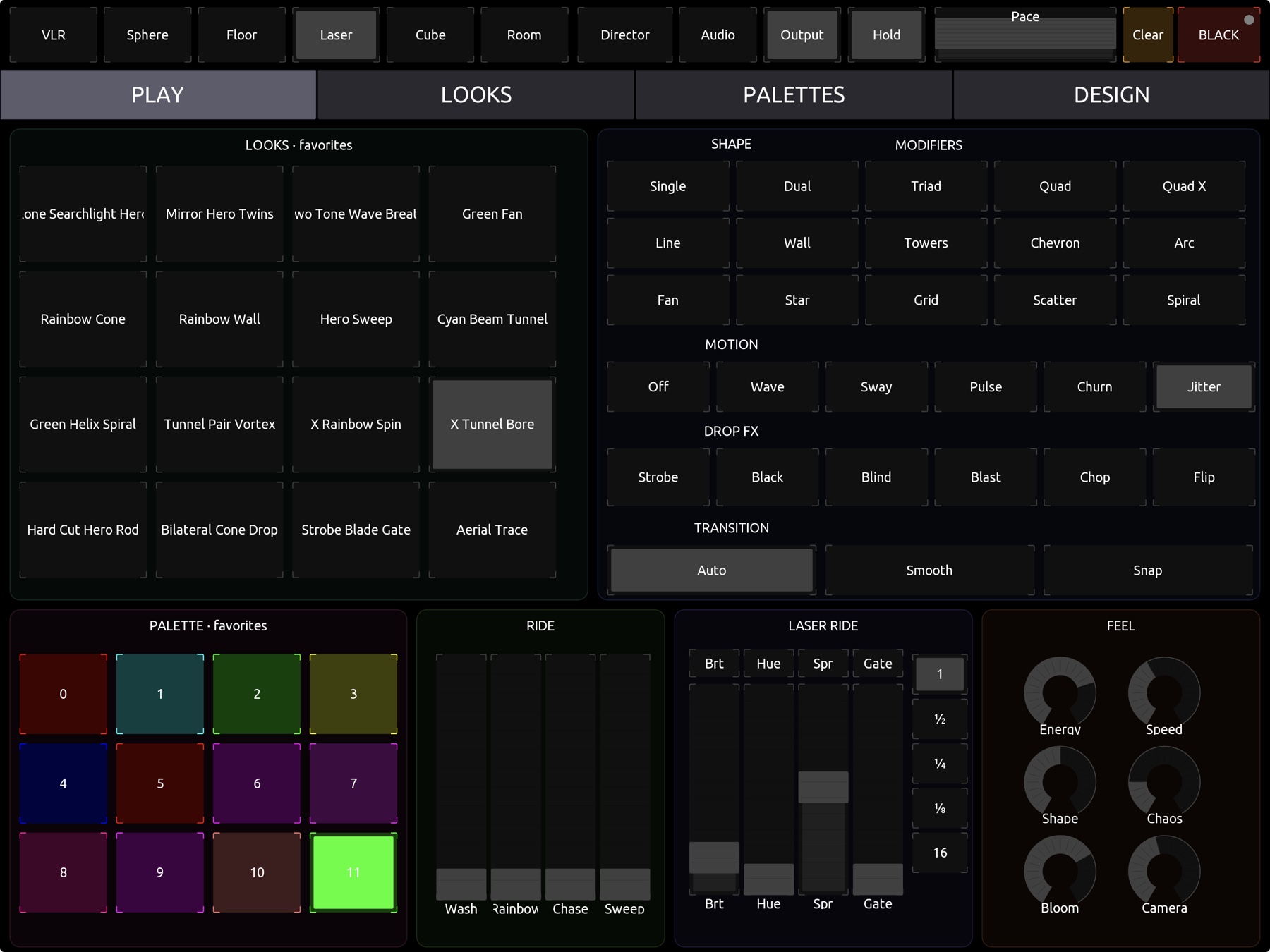
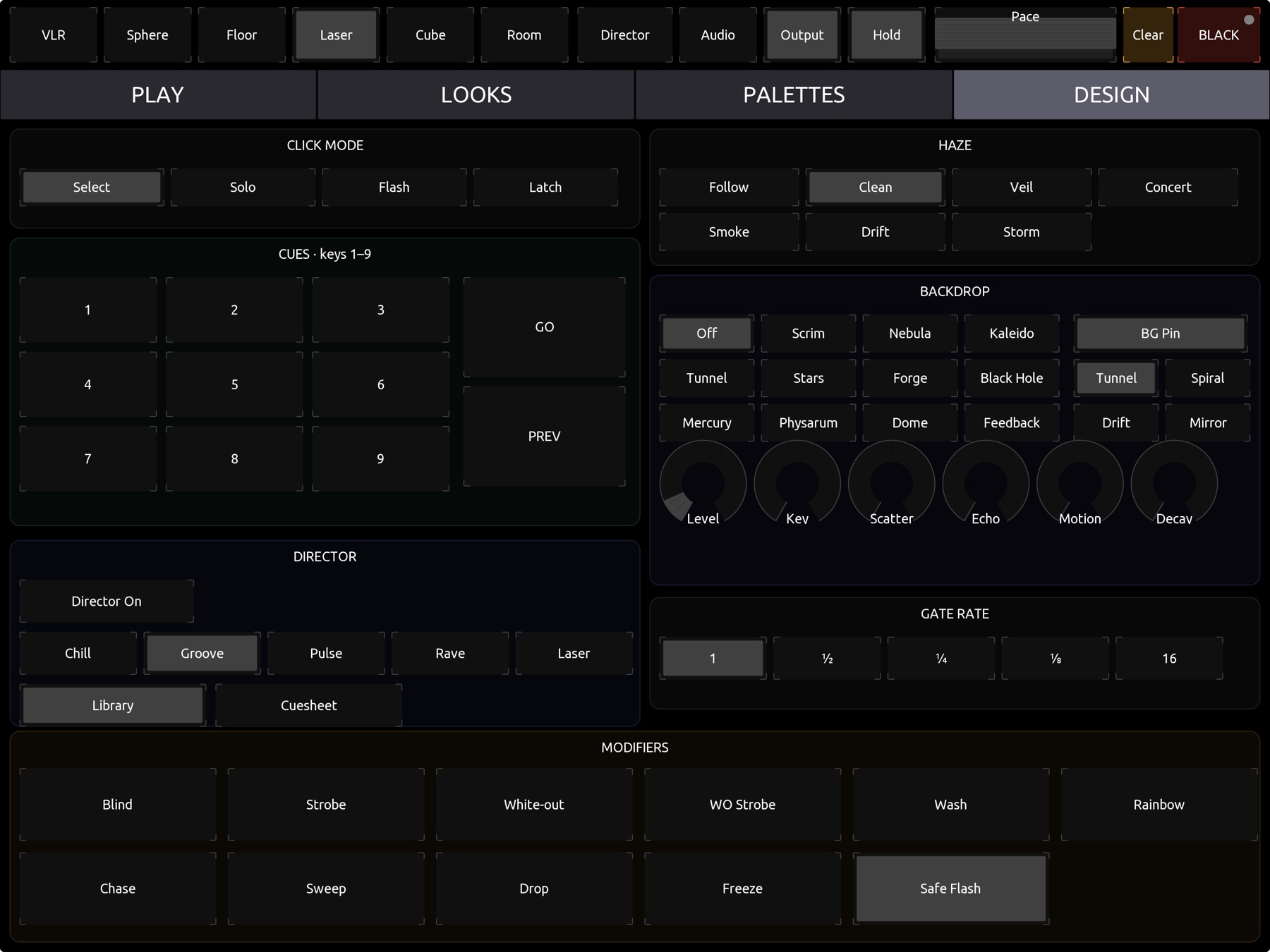
Keep the controls on your Mac and send a clean, chrome-free feed to a projector or a second screen (⌘O).
Telaray builds a TouchOSC layout from its own catalog and drives every cue, fader, and Drop FX over the network, both directions.
A global Safe Flash gate trims strobe and white-out intensity across every fixture. On by default.
Syphon and NDI straight into a VJ rig, no capture card. It's hard to build, so it only happens if enough people want it.
A reactive mode that leans the show toward a real rig's color and energy. Same deal. Vote for it.
Votes decide what's next.
Tell me what to build nextSystem requirements
A native Metal renderer that auto-detects your Mac and tunes quality to stay smooth, from an entry M1 on up. You never touch a setting. Audio is analyzed locally and never recorded or transmitted.
Heads up: this is pre-release beta software.
It's free, the beta's almost here, and the community's already gathering. Drop your email to be first in line when it opens, or come straight into the Discord.